Construction Office Operations Software for Heavy Civil Contractors
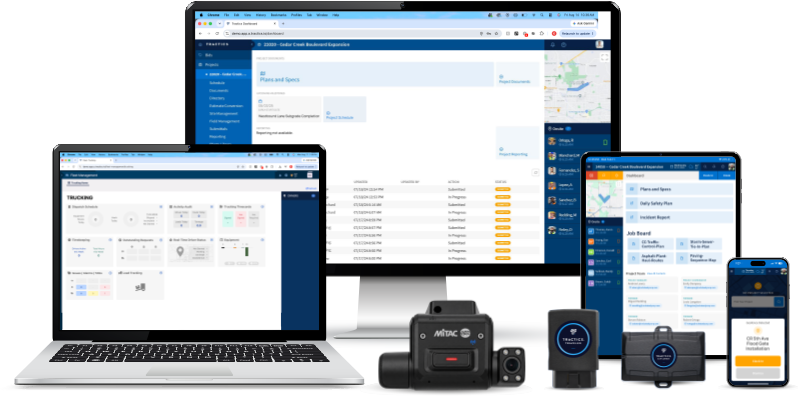
Your office needs accurate information from the field, fleet, and project teams to keep work moving. Tractics helps heavy civil contractors manage bids, track project visibility, support payroll, run construction reports, and connect operational data with ERP systems.
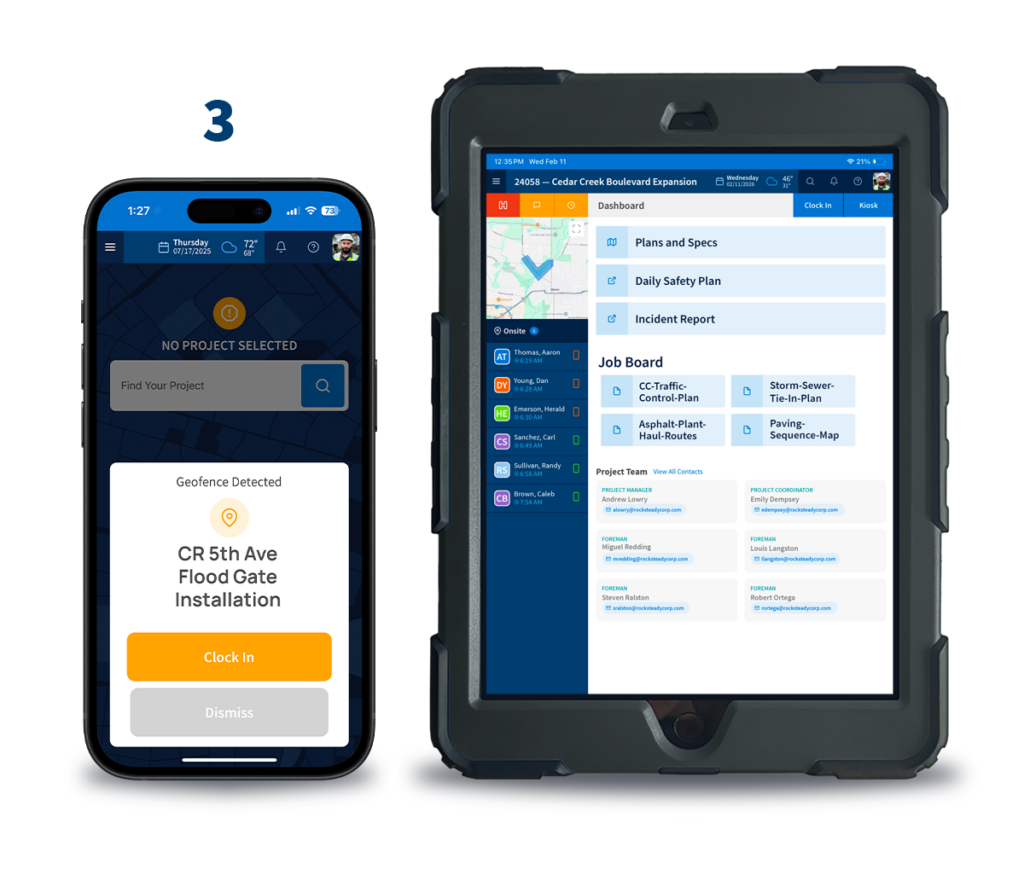
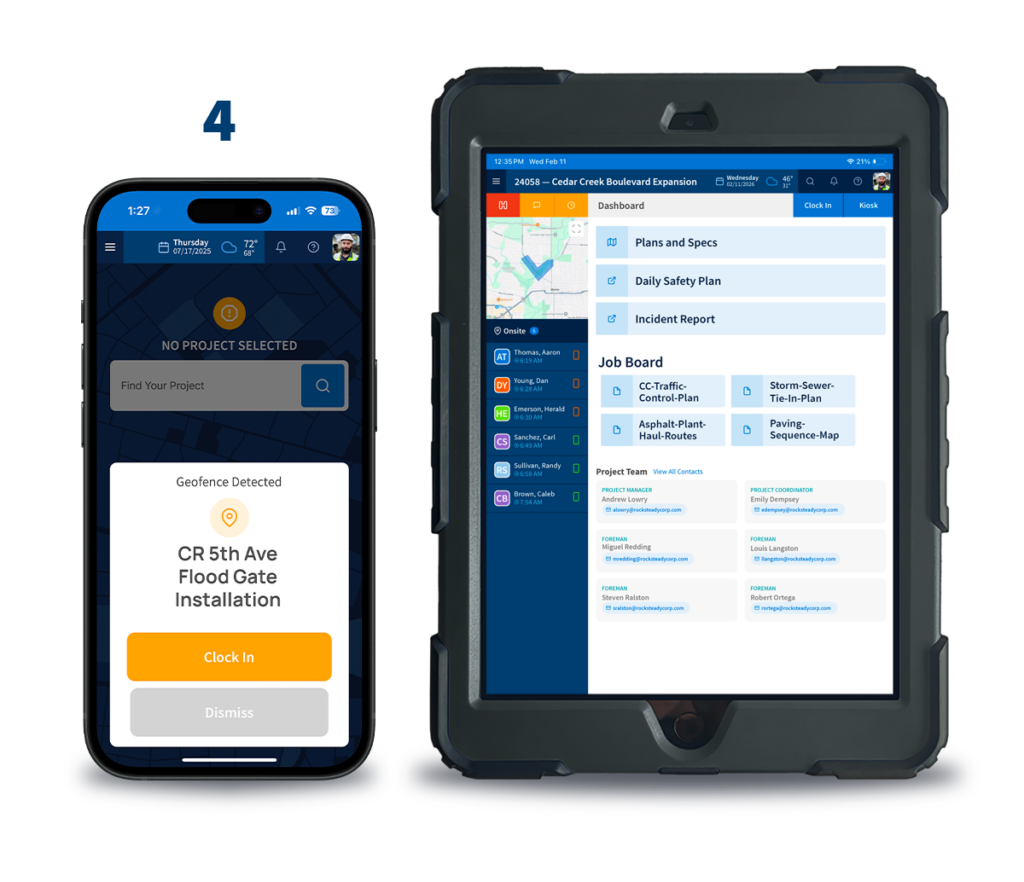
Turn Field Activity Into Office Visibility
Manage Projects with Better Info
Give project managers visibility into labor, field activity, reporting, and project progress without waiting on paperwork.
Support Payroll and Reporting
Give payroll and operations teams cleaner labor records, construction reports, and connected project information.
Connect Operations to Accounting
Improve data flow between Tractics, Sage Intacct, Trimble Vista, and other cloud-based ERP systems.
BUILT FOR THE OFFICE
The Office Shouldn’t Have to Chase the Jobsite
Heavy civil office teams rely on information coming from every corner of the business. Crews record hours. Foremen document work. Fleet teams coordinate equipment. Project managers need updates. Payroll needs accurate labor records. Executives need visibility into performance.
When that information lives in paper forms, spreadsheets, phone calls, and separate systems, the office spends too much time chasing answers.
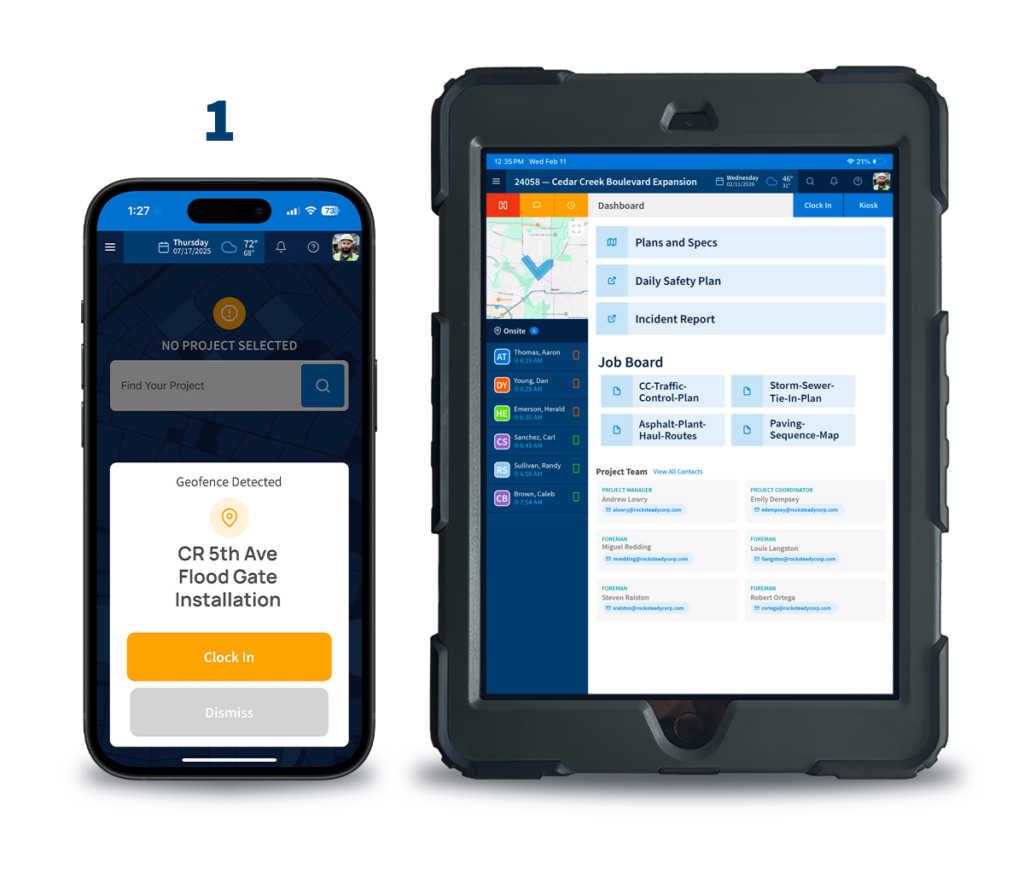
Tractics connects field activity, project information, labor records, fleet data, and reporting so office teams can make better decisions with greater confidence.
The Result: Less time tracking down information and more time managing the business.
OFFICE OPERATIONS SOLUTIONS
Explore Office Operations Solutions
From bidding and project visibility to payroll, reporting, and ERP integrations, Tractics helps office teams turn operational activity into information they can use.
Bid Management
Manage opportunities from estimate through award and keep bid information organized.
Project Visibility & Reporting
Monitor project activity, labor information, field updates, and operational progress across active jobs.
Payroll & Labor Management
Improve labor visibility, simplify payroll workflows, and reduce the time spent chasing timesheets.
Construction Reporting
Access labor, project, equipment, geofence, and operational reports that support better decision-making.
ERP Integrations & Data Flow
Connect Tractics with Sage Intacct, Trimble Vista, and other cloud-based ERP systems to reduce duplicate entry and improve information flow.
WHY IT MATTERS
Keep Project, Payroll, and Reporting Teams Aligned
When office teams work from disconnected information, small issues become bigger problems. Payroll waits on labor records. Project managers wait on field updates. Executives wait on reports. Accounting waits on clean data.
Tractics connects those workflows so information captured in the field and fleet becomes useful for project management, payroll, reporting, and business operations.
The Result: Better alignment between operations, payroll, project management, and accounting.
HEAVY CIVIL BY DESIGN
Built for Heavy Civil Office Teams
Heavy civil contractors manage complex work across crews, equipment, jobsites, divisions, and public infrastructure projects. Your office needs visibility into the details without getting buried in paperwork. Tractics supports the office workflows that keep heavy civil businesses moving, from bidding and project reporting to payroll preparation and ERP-connected operations.
The Result: Office operations software built around heavy civil workflows, not generic construction processes.
Construction office operations software helps contractors manage project visibility, payroll workflows, reporting, bid information, ERP integrations, and business operations from one connected system.
Who uses Tractics Office Operations?
Tractics Office Operations is used by project managers, payroll teams, controllers, operations leaders, executives, estimators, and office staff who need better visibility into field, fleet, and project activity.
What office tools are included?
Office Operations includes Bid Management, Project Visibility & Reporting, Payroll & Labor Management, Construction Reporting, and ERP Integrations & Data Flow.
Does Tractics integrate with Sage Intacct and Trimble Vista?
Yes. Tractics supports integration workflows with Sage Intacct, Trimble Vista, and other cloud-based ERP systems to help improve data flow between operations and accounting.
How does Tractics help office teams reduce paperwork?
Tractics connects field, fleet, labor, and project information so office teams can access current records without relying on paper forms, disconnected spreadsheets, or manual follow-up.
Submit your information below and we’ll respond soon. All fields required.
We Value your Privacy
We use cookies to enhance your browsing experience, serve personalized ads or content, and analyze our traffic. By clicking “Accept All”, you consent to our use of cookies. See our Privacy Policy.