Know where your equipment is, where it’s assigned, and how it’s being used across your heavy civil operations. Keep equipment records, project assignments, location information, and asset history connected in one place.
Keep Equipment Visible, Organized & Ready to Work
Know the Status of Every Asset
See equipment assignments, location information, and operational status without relying on spreadsheets or phone calls.
Keep Equipment Information Organized
Maintain equipment records, documentation, photos, inspections, and operational information in one centralized system.
The Result: Better Fleet Visibility
When equipment information stays connected, teams spend less time searching for answers and more time keeping projects moving.
BUILT FOR THE FLEET
Know Where Every Machine Is and What It's Doing
When equipment moves between jobsites, yards, and the shop, nobody should have to make five phone calls to find a dozer. Explore how Tractics keeps equipment status, assignments, and history in one place so foremen and the office are working from the same information.
See Equipment Across Your Entire Operation
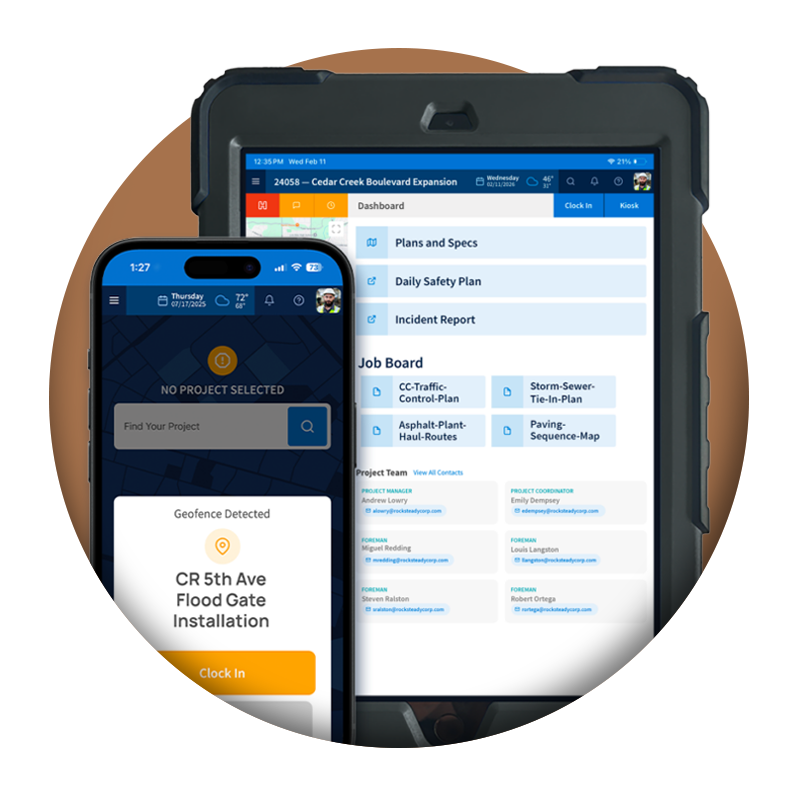
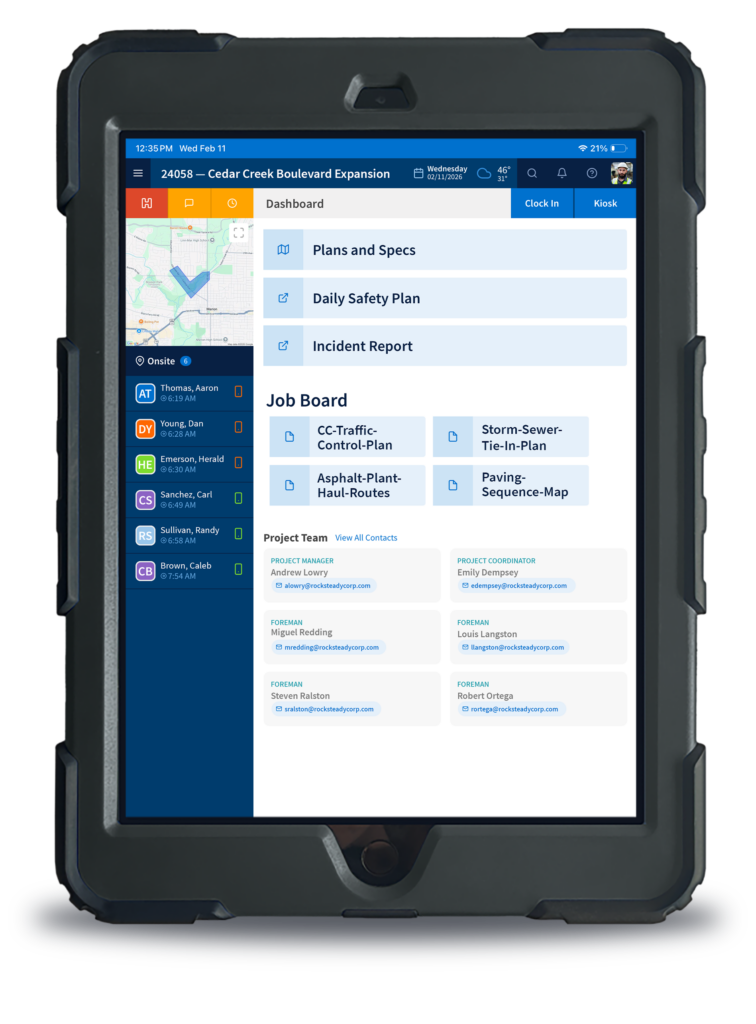
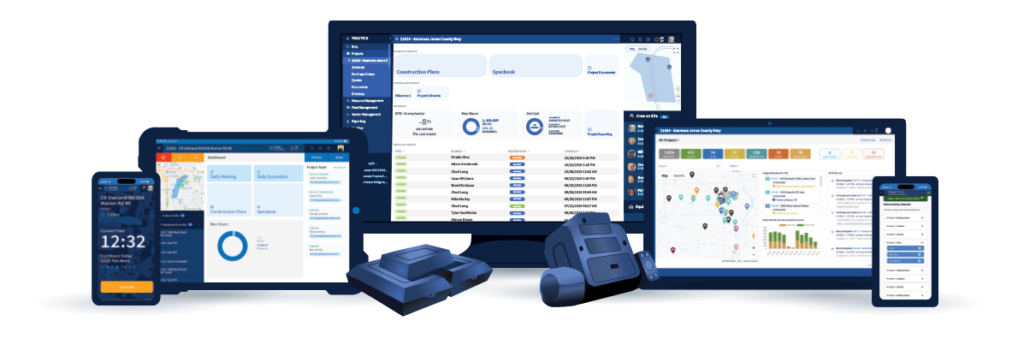
Managing equipment across multiple projects becomes difficult when information lives in spreadsheets, whiteboards, and phone calls. Tractics gives fleet managers a centralized view of equipment status, assignments, and location information so teams can quickly understand where assets are supporting work.
Instead of calling around to locate equipment or verify availability, teams can access equipment information from a single dashboard.
The Result: Spend less time tracking down equipment and gain clearer visibility across your fleet.
Maintain a Centralized Equipment Inventory
As fleets grow, equipment information can quickly become difficult to manage. Tractics provides a single system for maintaining equipment records, categories, identification details, and operational information across the organization.
Instead of relying on disconnected spreadsheets or paper records, teams have a centralized inventory of their equipment assets.
The Result: Keep equipment records organized and make information easier to access across the business.
Keep Every Equipment Record in One Place
Each asset maintains its own equipment record containing operational details, status information, photos, notes, documentation, inspections, and historical activity. Instead of searching multiple systems, teams can access the information they need from a single equipment profile.
Whether reviewing equipment in the office or from the field, information remains connected throughout the asset lifecycle.
The Result: Reduce time spent searching for information and improve visibility across every asset.
Know Where Equipment Is Working
Heavy civil contractors often have equipment moving between jobsites, equipment yards, shops, and staging areas. Tractics helps organize project locations and provide greater context around where equipment activity is taking place.
Instead of simply seeing equipment on a list, teams gain a clearer understanding of where assets are supporting operations.
The Result: Spend less time tracking down equipment and gain better location visibility.
Keep Equipment Connected to the Right Projects
Equipment activity becomes easier to manage when assignments are visible and organized. Tractics helps contractors maintain visibility into equipment assignments and operational status so project teams understand how assets are supporting work across the organization.
This helps reduce confusion when coordinating equipment between multiple projects and crews.
The Result: Improve accountability and maintain clearer visibility into equipment utilization.
Build a Complete History for Every Asset
From inspections and issues to notes, documentation, assignments, and operational activity, Tractics maintains a centralized record of equipment history. Teams gain a clearer understanding of what has happened with an asset over time without relying on memory or disconnected records.
Historical information remains available whenever questions arise about equipment condition or usage.
The Result: Build a more reliable equipment history and reduce dependency on tribal knowledge.
HEAVY CIVIL BY DESIGN
Built for Heavy Civil Contractors
Whether you’re managing earthmoving equipment, utility crews, paving operations, or multiple active jobsites, Tractics helps keep equipment information organized and accessible.
Fleet managers, dispatchers, project managers, mechanics, and operations teams all work from the same information, creating greater visibility across the organization.
The Result: A more organized fleet operation with better visibility into equipment activity.
Equipment Tracking
Frequently Asked Questions
What information can be tracked for equipment in Tractics?
Tractics helps contractors manage equipment records, location information, status, assignments, inspections, documentation, issues, and asset history from a centralized equipment management platform.
Can teams see where equipment is assigned?
Yes. Tractics provides visibility into equipment location and assignment information so teams can better understand where assets are being utilized across projects.
Does Tractics maintain individual equipment records?
Yes. Every asset can maintain its own equipment profile containing operational details, inspections, photos, notes, documentation, issues, and historical activity.
How do geofences support equipment tracking?
Geofences help contractors organize project locations and provide additional context around where equipment activity is occurring across operations.
Can equipment inspections and issues be tracked in Tractics?
Yes. Teams can document inspections, record equipment issues, attach supporting information, and maintain equipment records directly within Tractics.
Who uses Equipment Tracking in Tractics?
Fleet managers, dispatchers, project managers, mechanics, operators, and office teams use Tractics to maintain visibility into equipment status, assignments, documentation, and operational history.
Ready for more?
See How Tractics Connects Your Fleet Operations
Give your crews the tools they need to work more efficiently while giving your office the visibility needed to make better project decisions. Explore how Tractics helps heavy civil contractors connect labor, documentation, and communication from the field to the office.
Submit your information below and we’ll respond soon. All fields required.
We Value your Privacy
We use cookies to enhance your browsing experience, serve personalized ads or content, and analyze our traffic. By clicking “Accept All”, you consent to our use of cookies. See our Privacy Policy.