IN THE FIELD
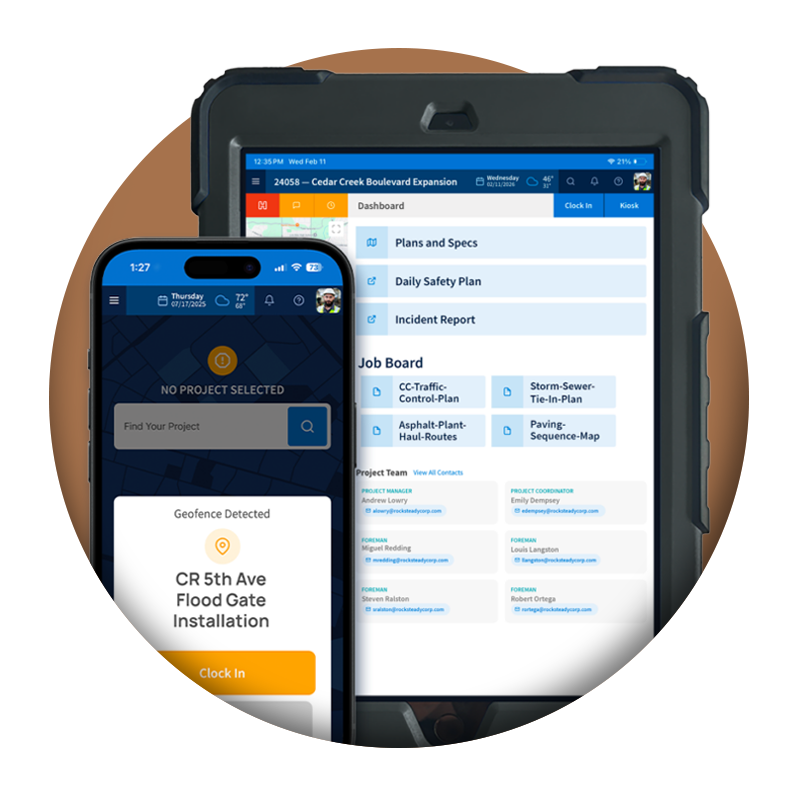
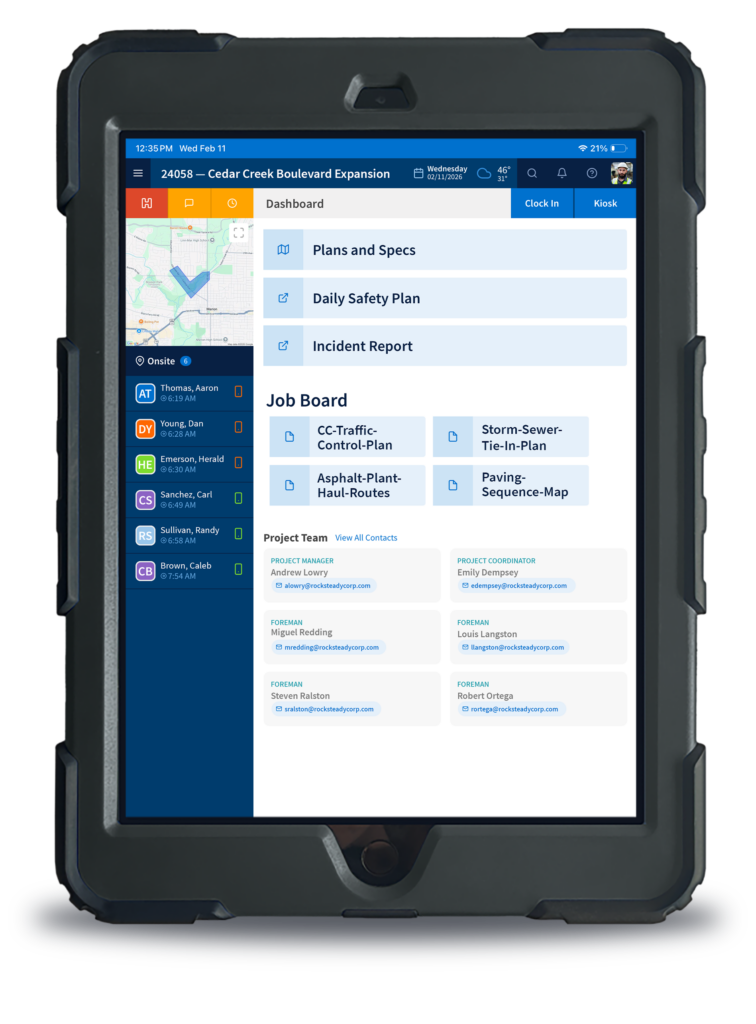
Capture labor activity, quantities, equipment usage, photos, weather conditions, and daily jobsite notes in one connected field log tied directly to the project.
Track labor activity, quantities, equipment, trucking, weather conditions, and jobsite notes in one centralized daily field log.
Capture photos, site conditions, delays, and operational notes directly from the field so important details stay connected to the project record.
Daily field logs flow directly into office workflows so project managers and operations teams can review job activity without chasing paper logs or disconnected updates.
BUILT FOR THE FIELD
Foremen shouldn’t have to piece together the workday after the fact. Tractics lets crews document labor, quantities, equipment, weather conditions, and photos directly from the jobsite, then delivers that record to the office without paperwork or follow-up calls.
Foremen can quickly document crew activity, labor hours, and daily jobsite notes directly from the field. Instead of relying on handwritten logs or delayed reporting, labor information stays tied to the correct project and available to office teams in real time.
By capturing labor activity daily, contractors create cleaner operational records and improve visibility into what happened onsite each day.
The Result:
Reduce missing information, improve accountability, and eliminate manual paperwork at the end of the week.
Daily field logs help contractors maintain a clear record of what happened on the job each day. Teams can document equipment usage, trucking activity, quantities completed, material deliveries, and important operational updates directly within the field log.
Instead of piecing together information later, project teams gain a centralized operational history tied directly to the project.
The Result:
Spend less time chasing updates and maintain cleaner records for project tracking, reporting, and operational visibility.
Weather and changing site conditions can impact schedules, production, and daily operations. Tractics allows field teams to document weather conditions, site impacts, delays, and operational notes directly within the daily field log so contractors maintain a reliable record of what conditions existed on any given day.
When questions arise later, teams have clear historical context tied directly to the project timeline.
The Result:
Maintain stronger project documentation and clearer records when schedule delays or site condition questions arise.
Photos often communicate jobsite conditions better than written notes alone. Tractics allows crews and foremen to attach photos directly to daily field logs so project teams can document completed work, site conditions, deliveries, safety concerns, and unexpected issues in real time.
Photos remain connected to the project record instead of scattered across personal devices or text messages.
The Result:
Improve communication, strengthen project documentation, and keep critical field information accessible to the entire team.
Once field logs are completed, office teams and project managers can review daily jobsite activity directly within Tractics without waiting on paper logs, spreadsheets, or follow-up phone calls.
Field and office teams stay connected around the same project information, helping reduce delays caused by incomplete or disconnected reporting.
The Result:
Reduce follow-up calls, duplicate entry, and delays caused by incomplete field reporting.
Every field log remains stored within the project record so contractors can quickly reference past labor activity, quantities, weather conditions, photos, and operational notes whenever questions arise.
Whether reviewing project history, responding to client questions, or preparing documentation, teams can locate historical field records without digging through paper files.
The Result:
Keep searchable project history accessible without relying on filing cabinets, spreadsheets, or disconnected jobsite records.
Field logs can be exported into professional reports for project records, internal operations, or client communication. Instead of retyping notes or manually organizing jobsite information, contractors can generate reports directly from the information already captured in the field.
The Result:
Save administrative time while delivering cleaner, more consistent project reporting.
Daily Field Logs
Contractors can document labor activity, quantities, equipment usage, trucking activity, weather conditions, field notes, material deliveries, photos, and general jobsite activity directly within the daily field log.
Yes. Crews and foremen can attach photos directly to daily field logs so project teams maintain visual documentation tied to the project record.
Yes. Daily field logs are available within Tractics so project managers, operations leaders, and office teams can review jobsite activity without relying on paper logs or disconnected reporting processes.
Yes. Tractics stores historical field logs within the project record so teams can quickly reference previous jobsite activity, weather conditions, labor information, and supporting documentation.
Yes. Contractors can generate and export daily field log reports directly from Tractics for internal operations, project records, and client communication.
As contractors adopt electronic documentation and e-Ticketing workflows, Daily Field Logs help provide additional project context around material deliveries, field activity, weather conditions, labor activity, and project progress. Together, these records create a more complete digital project history for DOT, infrastructure, and heavy civil projects.

Ready for more?
Give your crews the tools they need to work more efficiently while giving your office the visibility needed to make better project decisions. Explore how Tractics helps heavy civil contractors connect labor, documentation, and communication from the field to the office.
Submit your information below and we’ll respond soon.
All fields required.
We use cookies to enhance your browsing experience, serve personalized ads or content, and analyze our traffic. By clicking “Accept All”, you consent to our use of cookies. See our Privacy Policy.