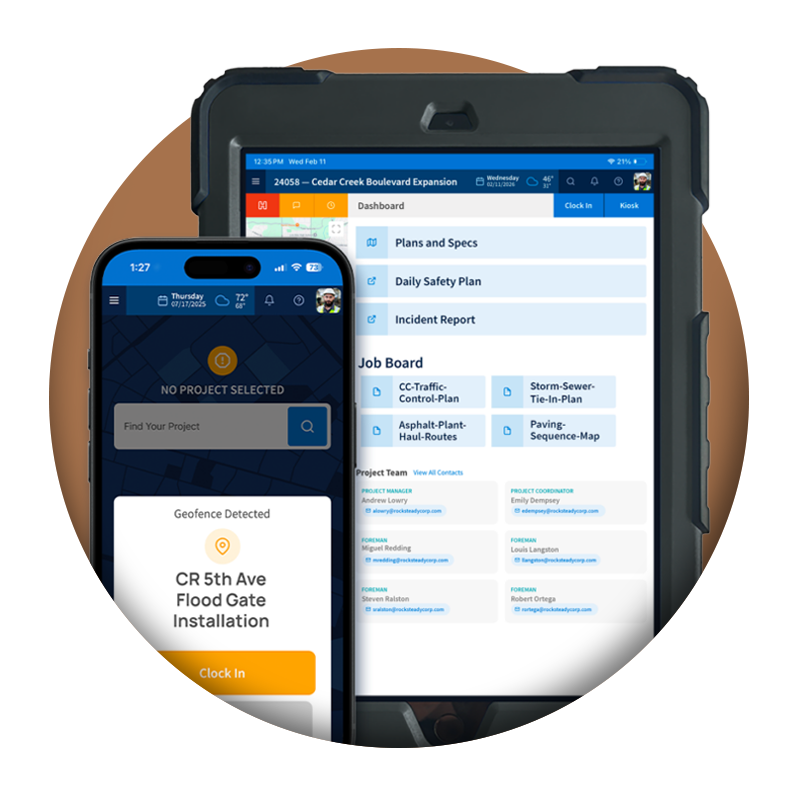
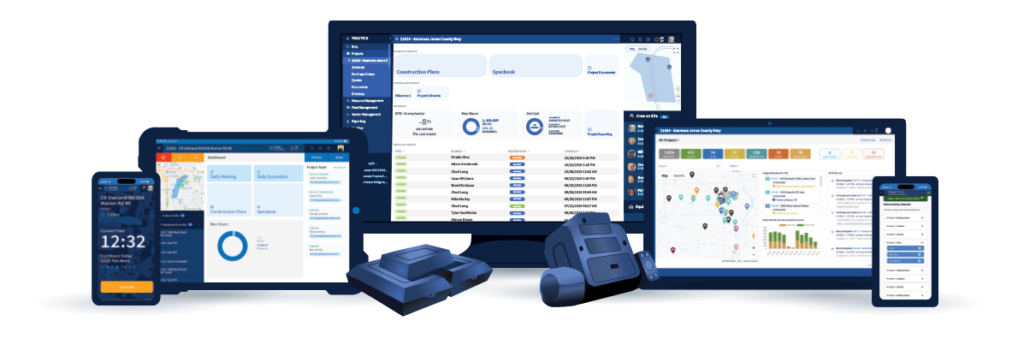
Keep driver activity, schedules, inspections, equipment issues, and daily fleet workflows connected in one mobile experience.
Driver Workflows Built for Fleet Operations
A Clear Mobile Dashboard
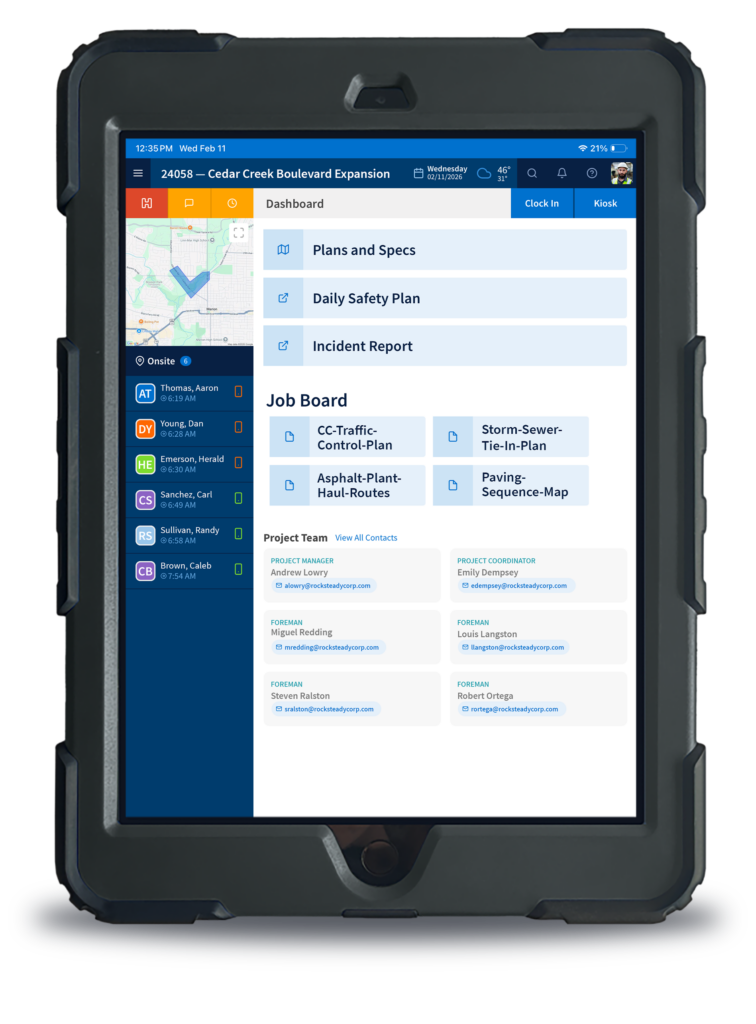
Drivers can access key daily tasks from their mobile dashboard, including clocking in and out, viewing schedules, reporting issues, and managing assigned activity.
Schedules Drivers Can Actually Follow
Drivers can review their trucking schedule and execute scheduled activities from the field, keeping dispatch, drivers, and office teams aligned.
Inspections & Issues Documented in the Field
Drivers can complete equipment inspections, add equipment tags or status updates, and log issues so fleet teams have cleaner records tied to the asset.
BUILT FOR DRIVERS
Keep Drivers and Dispatch on the Same Page
Between haul schedules, inspections, and equipment issues, a driver’s day produces a lot of information that too often lives in calls, texts, and paper forms. Explore how the Tractics mobile app gives drivers one place to manage their day while keeping dispatch and the shop informed.
Give Drivers One Place to Start Their Day
Drivers use the Tractics mobile dashboard to manage daily activity from the field. From clocking in and out to viewing scheduled work and reporting issues, drivers have a centralized place to see what needs to happen next.
Instead of relying on scattered calls, paper notes, or disconnected updates, drivers can access the information they need from one mobile workflow.
The Result: Reduce confusion at the start of the day and keep drivers connected to the work assigned to them.
Keep Trucking Schedules Visible in the Field
Drivers can view and work through their trucking schedule directly in Tractics. Scheduled activities stay accessible from the field so drivers know where they need to be, what they need to do, and how their activity connects back to the fleet operation.
This helps dispatch and drivers stay aligned without relying only on calls, texts, or paper schedules.
The Result: Improve schedule clarity and reduce back-and-forth between drivers and dispatch.
Track Driver Activity Throughout the Day
Tractics gives drivers access to a timeline of their actions and activities throughout the day. This creates a clearer record of driver activity and helps teams understand what happened without reconstructing the day from memory.
For fleet teams, that means better visibility into completed work and fewer gaps in daily records.
The Result: Create a cleaner daily record of driver activity and reduce uncertainty about what happened in the field.
Document Non-Hauling Time Accurately
Not every driver activity is hauling. Tractics allows drivers to switch to non-hauling activities such as meetings, breakdowns, repairs, and other non-hauling items so time is categorized more accurately.
That gives office and fleet teams better context around how driver time was spent throughout the day.
The Result: Improve time accuracy and reduce cleanup caused by unclear or misclassified driver activity.
Complete Vehicle & Equipment Inspections
Drivers can complete and review pre-trip and post-trip vehicle or equipment inspections directly through Tractics. Inspection workflows help drivers document asset condition and keep inspection records connected to fleet operations.
Instead of relying on paper inspection forms, teams gain a more organized digital record of inspection activity.
The Result: Reduce missing inspection paperwork and keep vehicle and equipment records easier to review.
Log Equipment Issues from the Field
When drivers notice an equipment issue, they can log it directly in Tractics so the concern is documented and visible to the right teams. Issues can be captured closer to when they happen instead of waiting for a call, text, or end-of-day paperwork.
The Result: Help fleet teams catch equipment issues sooner and reduce the chance that problems get buried in informal communication.
Keep Equipment Status Updated
Drivers can review and add equipment tags or status updates to support more accurate maintenance tracking. This helps fleet and maintenance teams understand what is happening with assets in the field.
The Result: Keep asset status clearer across the operation and support better maintenance visibility.
HEAVY CIVIL BY DESIGN
Built for Hauling Operations That Keep Jobs Moving
On a heavy civil project, trucks keep the whole job fed. Dirt, aggregate, asphalt, and equipment all depend on drivers being in the right place at the right time, and every missed load or unreported breakdown slows the crew waiting on the other end.
Tractics connects drivers, dispatch, and the shop through one mobile workflow, so schedules, inspections, and equipment issues are documented as they happen instead of pieced together at the end of the day.
The Result: Cleaner driver records, faster issue response, and fewer delays on the jobsite.
Driver Data
Frequently Asked Questions
Can drivers view their trucking schedule?
Yes. Tractics includes a Driver Trucking Schedule where drivers can review and execute scheduled activities from the field.
Can drivers view their trucking schedule?
Yes. Tractics includes a Driver Trucking Schedule where drivers can review and execute scheduled activities from the field.
Can drivers complete inspections in Tractics?
Yes. Drivers can complete and review pre-trip and post-trip vehicle or equipment inspections through Tractics.
Can drivers log equipment issues?
Yes. Drivers can log equipment issues directly in Tractics so fleet and maintenance teams have clearer documentation.
Ready for more?
See How Tractics Connects Your Fleet Operations
Give your crews the tools they need to work more efficiently while giving your office the visibility needed to make better project decisions. Explore how Tractics helps heavy civil contractors connect labor, documentation, and communication from the field to the office.
Submit your information below and we’ll respond soon. All fields required.
We Value your Privacy
We use cookies to enhance your browsing experience, serve personalized ads or content, and analyze our traffic. By clicking “Accept All”, you consent to our use of cookies. See our Privacy Policy.