
Fleet Management
Know where equipment was last reported, understand how assets move between jobsites, and gain greater visibility into the equipment your crews depend on every day.


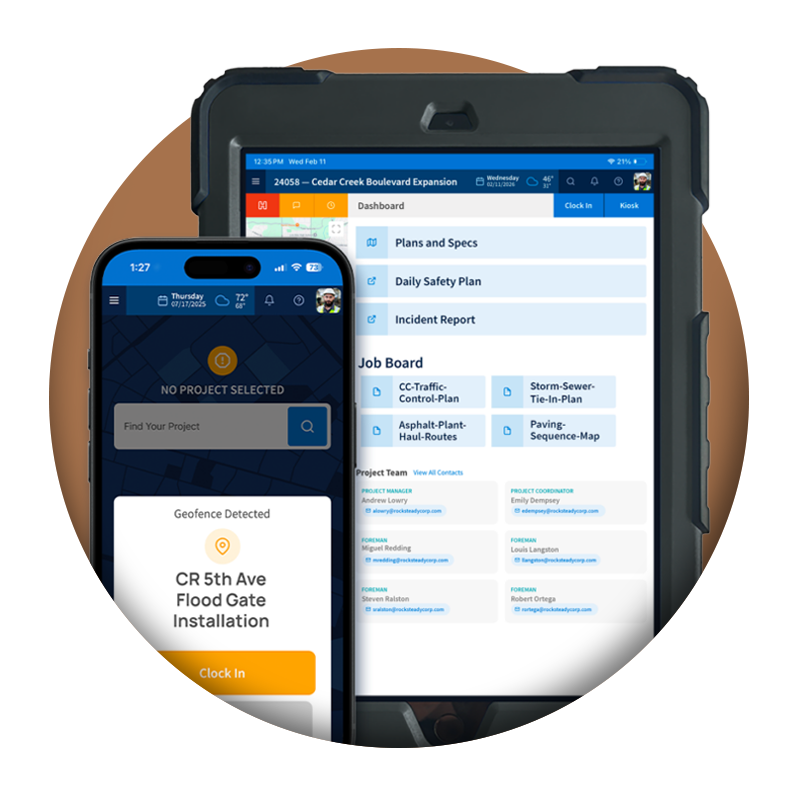

View GPS location information and detected addresses so teams can quickly understand where equipment was last operating and gain greater confidence when locating assets.

Monitor how equipment moves between jobsites, yards, and staging areas with reporting modes designed for both on-road and off-road assets.
Track beacon connectivity, GPS reporting, battery status, power issues, and equipment alerts from one centralized dashboard.
EQUIPMENT BEACONS
When excavators, loaders, and service trucks move between jobsites and yards, visibility disappears fast. Explore how Tractics Equipment Beacons report location, movement, and alerts so your crews and the office know where high-value assets are working.
When equipment moves between jobsites, yards, and staging areas, visibility can quickly disappear. Tractics Equipment Beacons provide GPS location reporting and detected address information so fleet managers can quickly understand where assets were last reported.
Whether you’re managing excavators, loaders, skid steers, service trucks, rollers, or paving equipment, location visibility becomes increasingly important as projects expand across multiple jobsites.
Instead of relying on phone calls or assumptions, teams gain a clearer picture of where equipment has been operating and how assets are supporting projects across the organization.
The Result:
Reduce time spent locating equipment and improve visibility across projects.
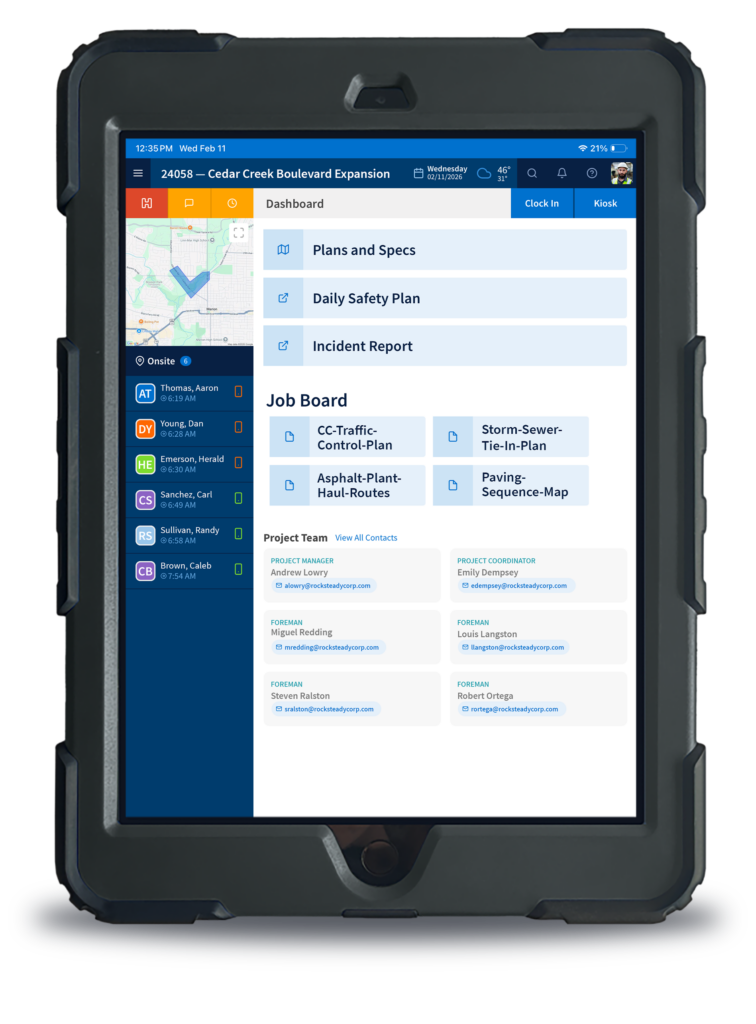
Few things are more frustrating than arriving at a jobsite and realizing a piece of equipment isn’t where it should be. Equipment Beacons help contractors maintain visibility into the last reported location and detected address of connected assets.
Whether equipment was moved unexpectedly, transferred between projects, or simply misplaced, location reporting provides valuable information that can help teams respond faster and investigate where equipment was last operating.
The Result:
Reduce uncertainty and improve your ability to locate missing equipment.
Different equipment operates differently. Tractics supports both Trip Mode and Movement Mode reporting, allowing contractors to configure beacons based on how assets are actually used.
Trip Mode groups movement into distinct trips for on-road vehicles, while Movement Mode reports movement activity for off-road equipment operating throughout the day.
Whether you’re tracking service trucks traveling between projects or earthmoving equipment working on a single site, reporting can be configured to match how the asset operates.
The Result:
Get more meaningful location and movement reporting based on how each asset actually works.
Knowing where equipment is located is only part of the picture. Tractics helps teams monitor beacon connectivity, GPS reporting activity, signal strength, battery information, and communication status directly from the Beacon Dashboard.
When a beacon stops reporting or loses connectivity, teams can quickly identify the issue and investigate before visibility is lost.
The Result:
Quickly identify assets that have stopped reporting or require attention.
Beacon monitoring includes alerts related to battery voltage, external power status, tamper detection, harsh driving events, and harsh braking events. These alerts help fleet managers maintain greater awareness of equipment activity and reporting conditions.
Rather than discovering issues after the fact, teams gain earlier insight into potential equipment and operational concerns.
The Result:
Improve equipment accountability and identify potential issues sooner.
Equipment Beacons stay connected to equipment records and project assignments within Tractics. Teams can filter beacon activity by project, review assigned assets, and maintain visibility into where equipment is supporting operations.
This helps contractors better understand equipment utilization across multiple jobsites and crews while improving accountability for high-value assets.
The Result:
Improve accountability and maintain clearer visibility into equipment activity across projects.
The Beacon Dashboard provides a centralized location for monitoring beacon assignments, equipment records, reporting status, detected locations, connectivity information, and operational alerts.
Instead of managing telematics information across multiple systems, teams gain one place to monitor and manage connected equipment.
The Result:
Reduce fleet management complexity and maintain visibility across every connected asset.
HEAVY CIVIL BY DESIGN
Heavy civil equipment doesn’t stay parked in one place. Excavators get hauled to the next job, rollers move between paving sections, and service trucks cover miles of road every day. Equipment Beacons are built for that kind of movement, with reporting that fits both on-road vehicles and off-road machines working a single site.
Foremen, dispatchers, mechanics, and the office all see the same location and reporting data, so fewer calls go out asking where a machine went and more time goes into keeping it working.
The Result:
Better protection for high-value assets and fewer hours lost searching for equipment.

Equipment Beacons & GPS Tracking
Equipment Beacons are telematics devices installed on equipment that provide GPS location reporting, movement information, connectivity status, and operational alerts within Tractics.
Yes. Equipment Beacons provide GPS location reporting and detected address information so teams can understand where equipment was last reported and where assets have been operating.
Equipment Beacons provide last reported location information and detected addresses that can help teams investigate where equipment was last operating and improve visibility when assets cannot be easily located.
Equipment Beacons provide location reporting and detected address information that can help contractors maintain better visibility into equipment assets. When equipment is moved unexpectedly or cannot be located, last reported location information can provide valuable context for investigating where equipment was last operating.
Trip Mode groups movement into distinct trips and is typically used for on-road vehicles. Movement Mode reports movement activity and is commonly used for off-road equipment.
Equipment Beacons can report alerts related to battery voltage, external power status, tamper detection, harsh driving events, and harsh braking events.
Yes. Beacon activity can be filtered and viewed by project, helping contractors understand where equipment is being utilized across their operations.
Equipment Tracking helps manage equipment records, assignments, inspections, documentation, and asset history. Equipment Beacons add location reporting, movement visibility, and beacon monitoring to those workflows, creating a more complete view of equipment operations.
Ready for more?
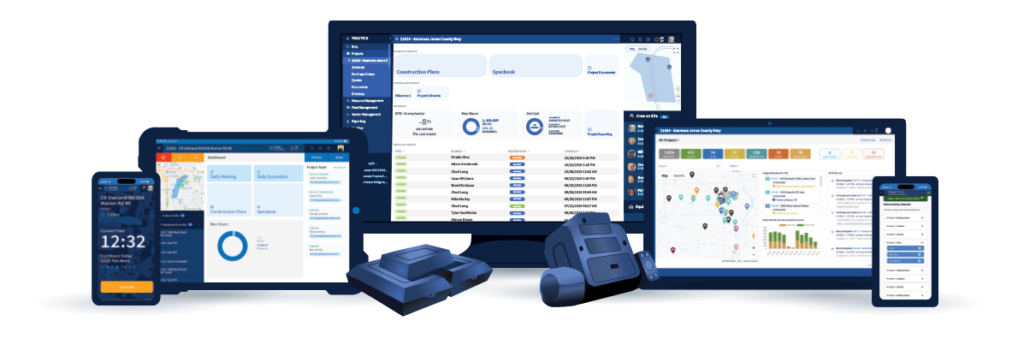
Give your crews the tools they need to work more efficiently while giving your office the visibility needed to make better project decisions. Explore how Tractics helps heavy civil contractors connect labor, documentation, and communication from the field to the office.


Submit your information below and we’ll respond soon.
All fields required.
We use cookies to enhance your browsing experience, serve personalized ads or content, and analyze our traffic. By clicking “Accept All”, you consent to our use of cookies. See our Privacy Policy.