
Customer Success Story


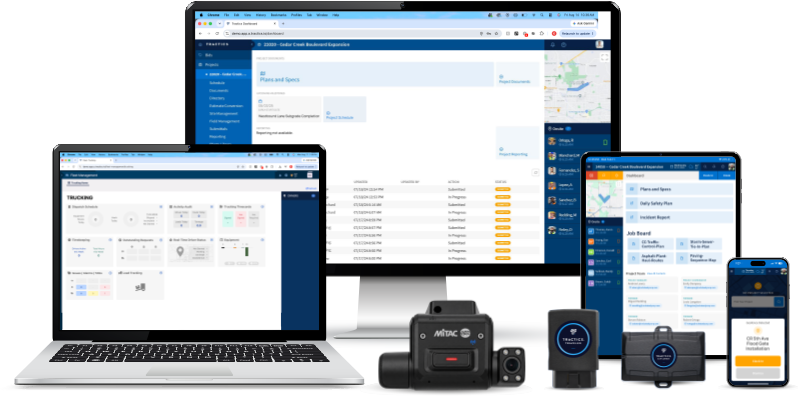
Track labor, document work, capture photos, and keep crews connected from anywhere.
Gain visibility into projects, labor, reporting, payroll, and financial workflows without chasing information.
Track equipment, manage dispatching, monitor drivers, and improve fleet reliability across every jobsite.
Field Operations
Field teams are responsible for keeping projects moving, documenting work performed, and communicating critical information back to the office. Tractics helps crews and foremen stay productive while maintaining accurate project records throughout the day.
Built for the Field
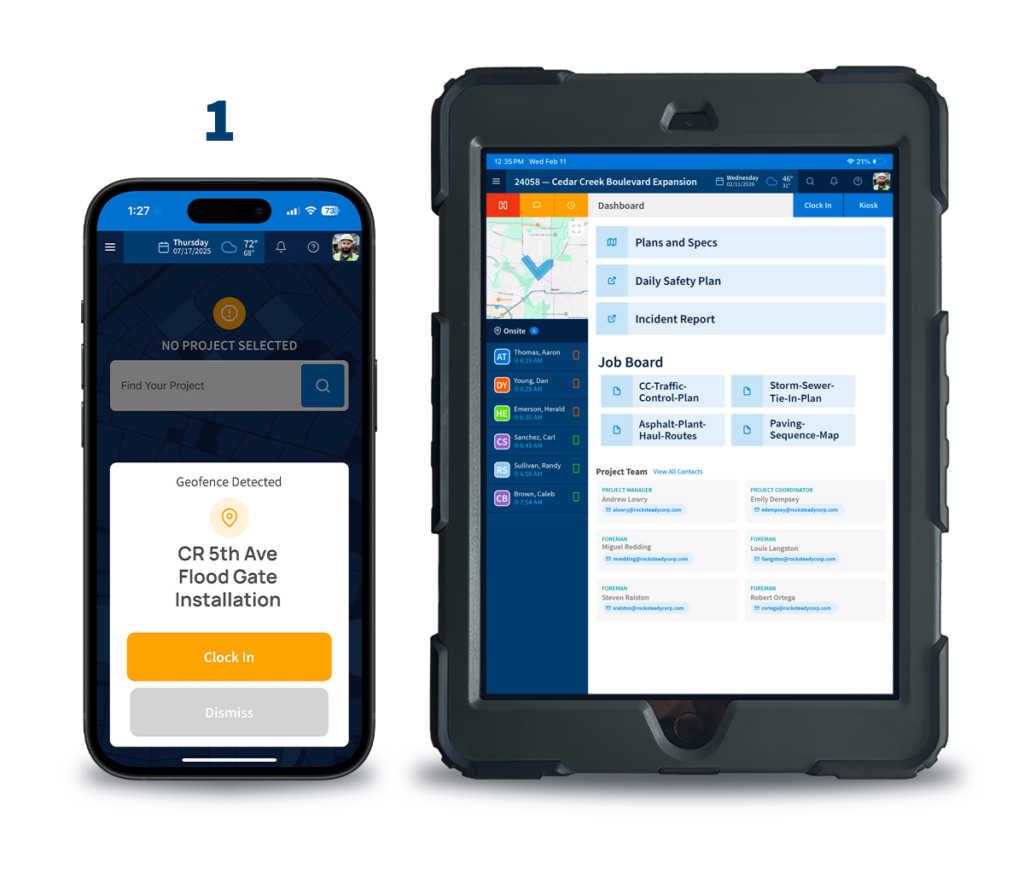
Manage crews, track labor, access project information, and stay connected from the field.
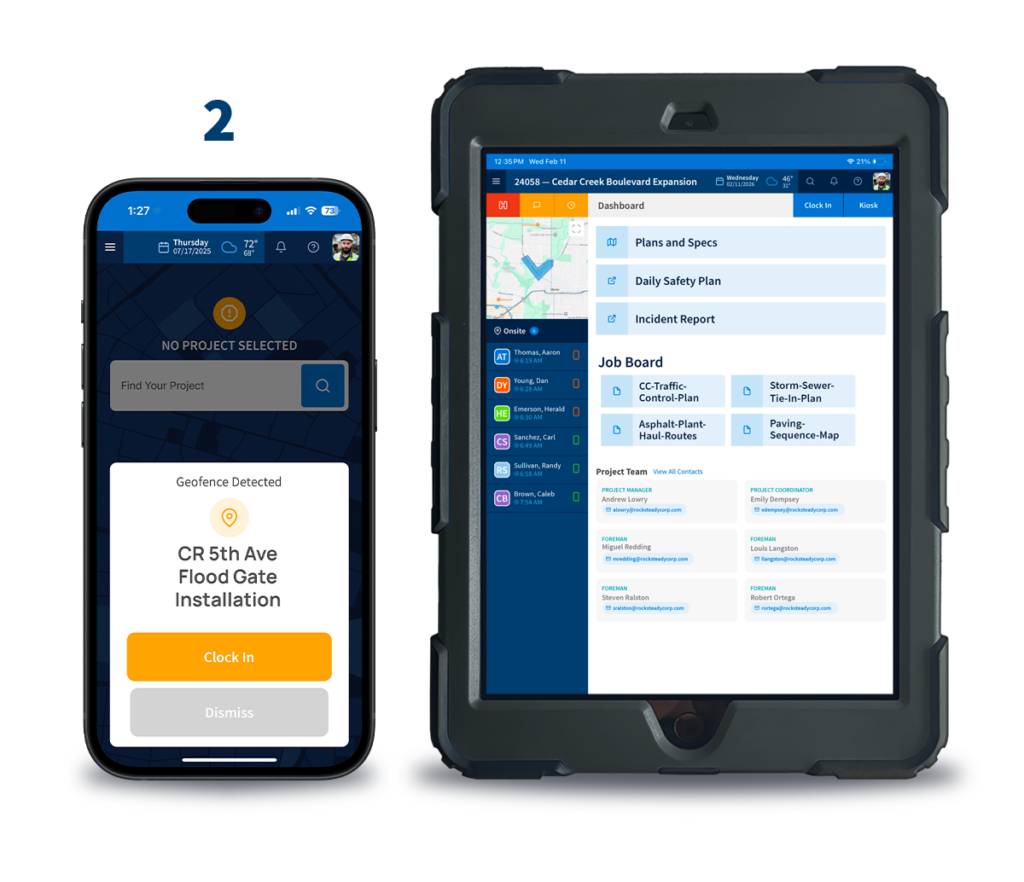
Capture daily project activity, weather, labor, and jobsite progress.
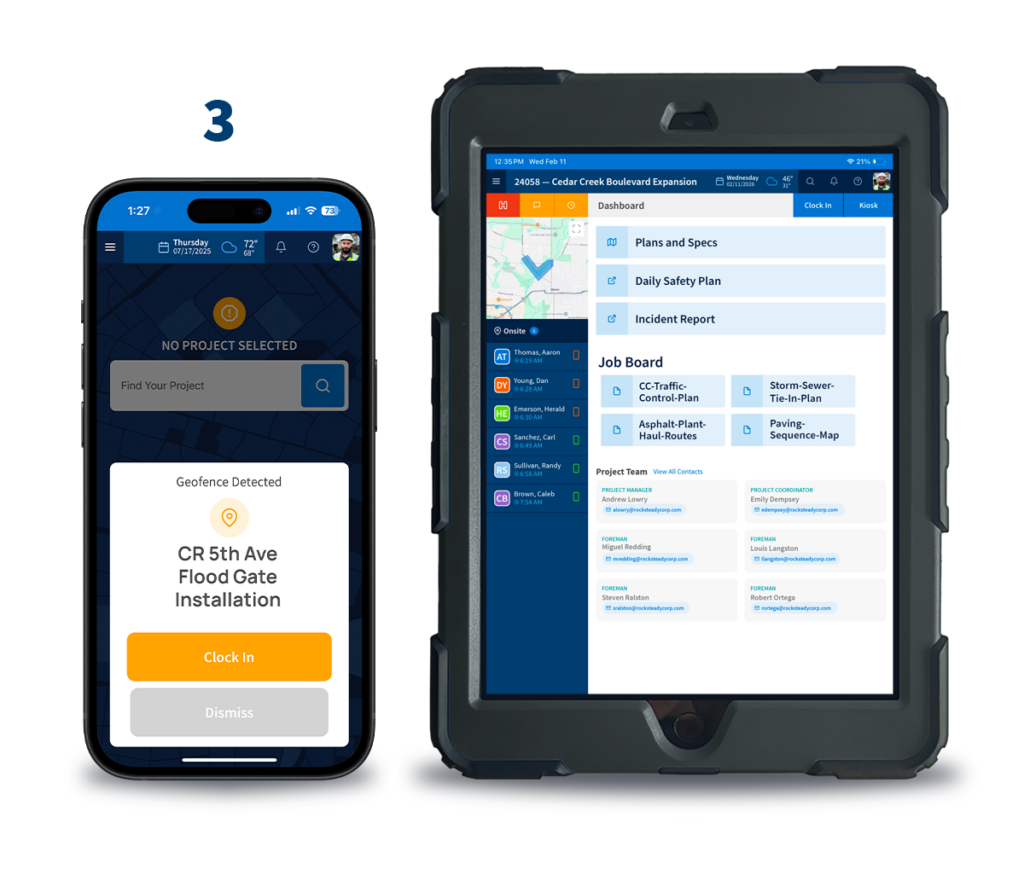
Document field conditions, project activity, forms, and project records.
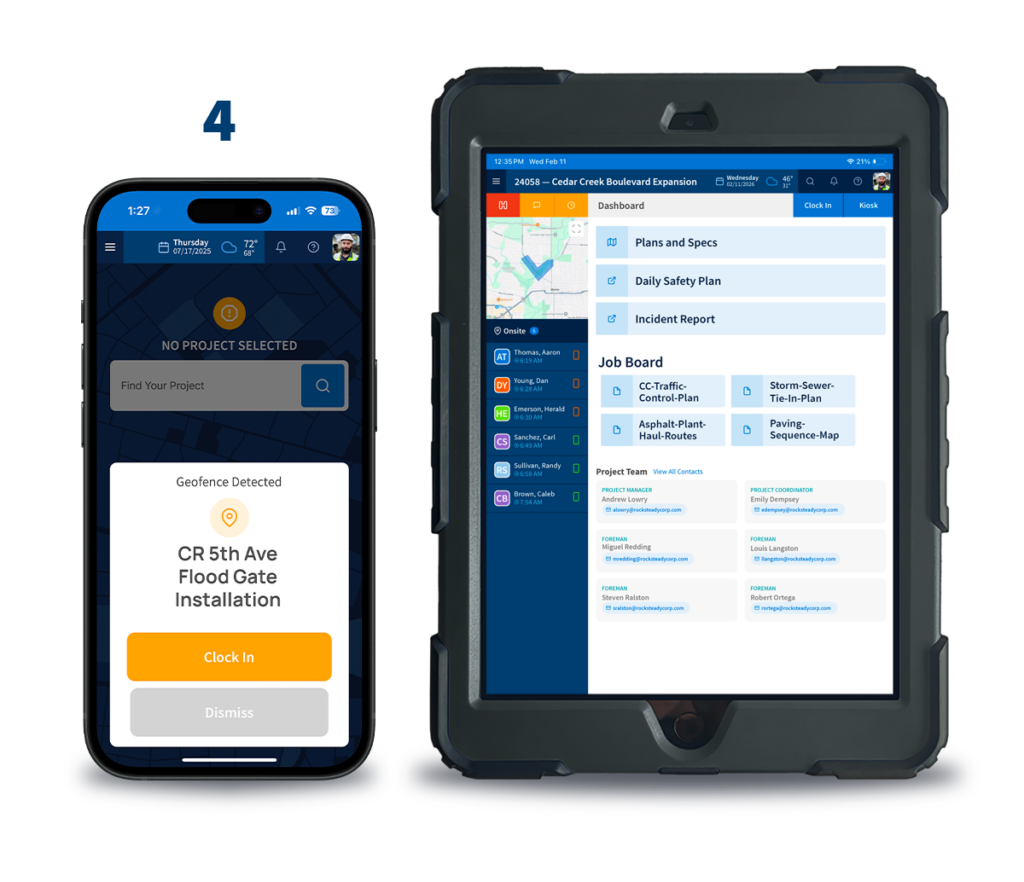
Maintain visual records of work completed across every project.
Office Operations
Project managers, payroll teams, and executives need visibility into project performance without relying on spreadsheets, paper records, or multiple disconnected systems. Tractics helps transform field activity into meaningful operational insight.
Built for the Office
Track opportunities and manage the bidding process from estimate to award.
Monitor project activity and gain visibility across crews, projects, and jobsites.
Improve labor visibility and streamline payroll workflows.
Access labor, project, and operational reporting from one platform.
Connect Tractics with Sage Intacct, Trimble Vista, and other cloud-based business systems.
Fleet Operations
Heavy civil contractors rely on equipment to keep projects moving. Tractics helps contractors manage equipment, dispatch resources, track drivers, and improve maintenance visibility across the fleet.
Built for the Field
Manage equipment inventory, assignments, locations, and asset history.
Monitor equipment location and improve asset visibility across jobsites.
Capture driver activity and support field operations with better information.
Coordinate equipment and resources across multiple projects.
Track inspections, maintenance, equipment issues, and service history.
HEAVY CIVIL BY DESIGN
As crews track labor, document work, and update project information, records flow back to the office automatically. Payroll teams, project managers, and operations leaders gain access to current job information without chasing down timesheets, notebooks, or field reports.
Everyone works from the same information—from the field to the back office.
The Result:
Better communication between the field and office.

HEAVY CIVIL BY DESIGN
As crews track labor, document work, and update project information, records flow back to the office automatically. Payroll teams, project managers, and operations leaders gain access to current job information without chasing down timesheets, notebooks, or field reports.
Everyone works from the same information—from the field to the back office.
The Result:
Better communication between the field and office.
INDUSTRIES SERVED
FOREMEN & CREW ApP
The Crew App is designed for field workers to track labor hours, record breaks, access job information, capture notes and photos, and stay connected throughout the workday. The Foreman App includes additional tools for managing crews, reviewing labor activity, accessing project documents and forms, reviewing field logs, and overseeing daily jobsite operations.
Yes. Crew members can clock in, clock out, add lunch time, and review their Hours Log directly from the Tractics Mobile App. Foremen can also assist crew members with clocking in and out through the Kiosk page in the Foreman App.
Yes. Foremen can review labor activity, monitor crew status, and stay informed about project activity throughout the day.
Yes. Both apps provide tools for documenting work with notes and photos directly from the jobsite.
Yes. The Foreman App provides access to project documents, project forms, company contacts, and project contacts directly from the field.
Yes. Foremen can access crew, company, and project contact information directly from the app to help coordinate work and communicate with field personnel.
Yes. Foremen can review field log information and project activity directly from the app to help maintain visibility into daily operations.
Labor activity, notes, photos, and project updates sync back to Tractics so payroll, project management, and operations teams always have access to current job information.
Yes. Tractics mobile applications are designed to work on common smartphones and iPad tablets used by heavy civil contractors in the field.
Construction time tracking software helps contractors capture labor hours, monitor workforce activity, and maintain accurate labor records across projects. Instead of relying on paper timesheets, crews can record hours directly from the field while supervisors and office teams gain real-time visibility into labor activity.
Crew members can clock in, clock out, and record breaks directly from the Tractics Crew App. Hours are captured in the field and made available to foremen, project managers, and office teams without requiring paper timesheets or manual data entry.
Yes. Tractics helps contractors move away from paper timesheets by allowing crews to record labor hours digitally. Labor records are maintained within the platform, helping reduce paperwork and improve visibility into workforce activity.
Tractics allows employees to track labor hours directly from supported mobile devices. Workers can record time throughout the day while foremen review labor activity and office teams access labor information for payroll and reporting purposes.
Yes. The Tractics Foreman App includes Hours Log functionality that allows supervisors to review crew labor activity, monitor recorded hours, and maintain visibility into workforce activity throughout the day.
Yes. Tractics supports labor tracking workflows that include clocking in, clocking out, and recording breaks. Labor information can then be used to support attendance tracking, payroll preparation, and workforce reporting.
Accurate labor records help reduce payroll corrections, missing hours, and manual data entry. By capturing labor information directly from the field, Tractics helps contractors maintain cleaner payroll records and improve overall labor accountability.
Labor activity is associated with project work being performed in the field. This helps project managers, operations teams, and office staff understand where labor resources are being utilized and maintain greater visibility into workforce activity across active projects.
Yes. Labor information recorded in the field becomes available to office teams, helping payroll administrators, project managers, and operations leaders gain visibility into workforce activity without waiting for paper records to be submitted.
Heavy civil contractors often manage multiple crews, jobsites, and projects simultaneously. Construction time tracking helps improve labor visibility, simplify payroll preparation, support reporting, and provide greater accountability across the workforce.



Submit your information below and we’ll respond soon.
All fields required.
We use cookies to enhance your browsing experience, serve personalized ads or content, and analyze our traffic. By clicking “Accept All”, you consent to our use of cookies. See our Privacy Policy.